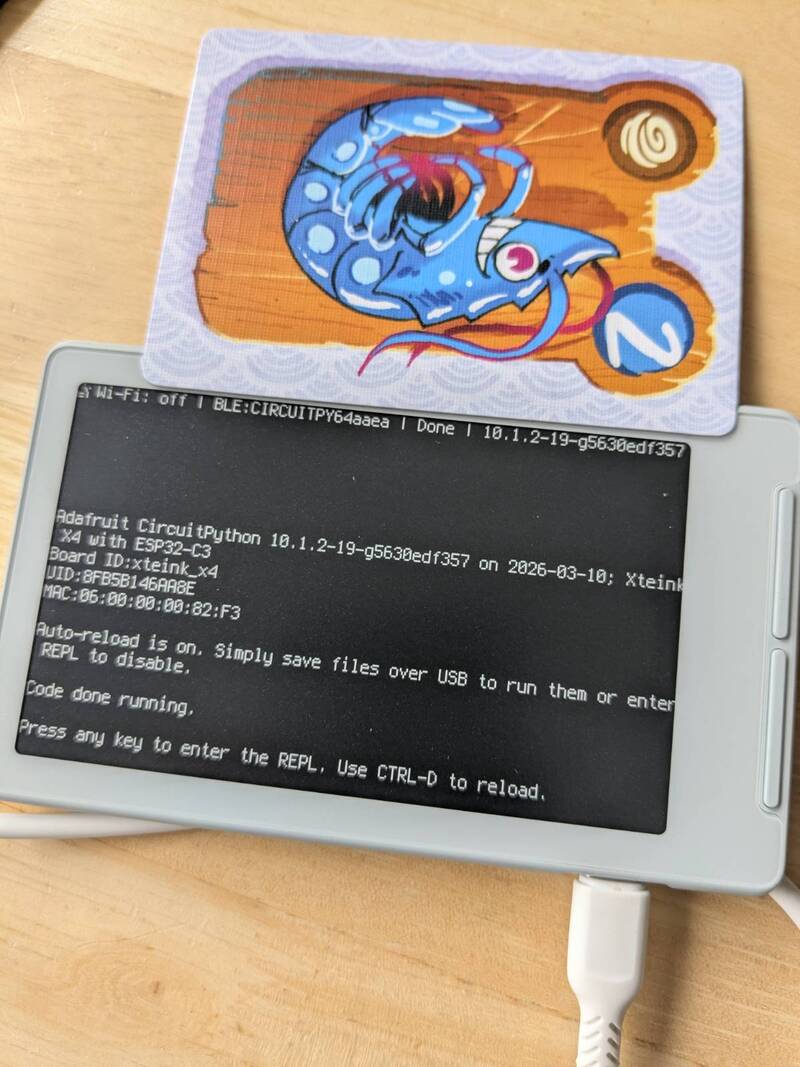
I used to read a lot but haven't read nearly as much as I used to of late. I recently read about the Xteink X4 ereader online and I thought that having a tiny device I could carry around might encourage me to read more, instead of randomly doom-scrolling on my phone. I didn't realise this would lead me into the rabbit-hole of learning about book binding (and making my own case), but it was fun and rewarding.
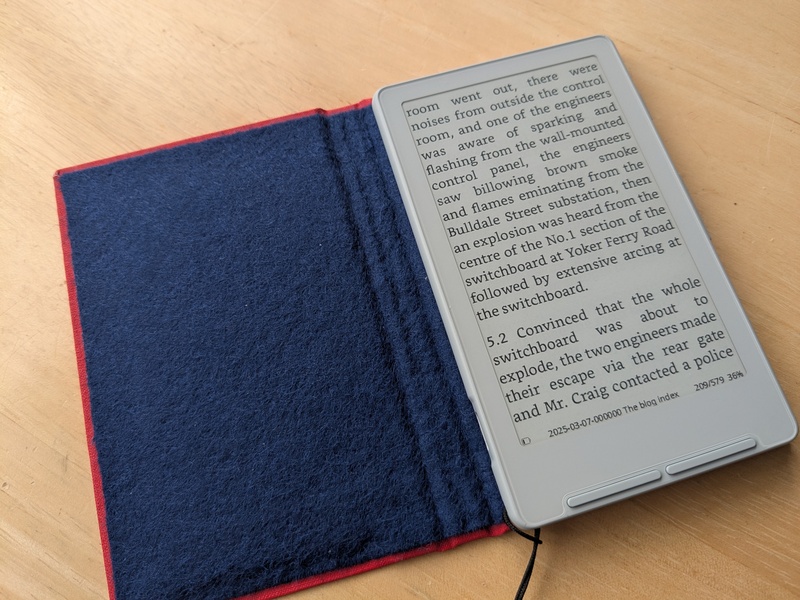 Photo: XTEInk X4 reader in my home-made red case with blue felt showing one of my blog posts.
I ordered an ereader, installed the open source Crosspoint reader software onto it, and I really really like it. I think maybe my eyes move less due to the narrow screen; reading feels almost as though the words are infusing straight into my brain, which I realise sounds rather bizarre.
It feels to me what computing should be - it is light, has so far lasted weeks without charging, stays out of my way, doesn't demand constant updates or internet connectivity. It feels some way towards the idea of "kind software" that I wrote about in January.
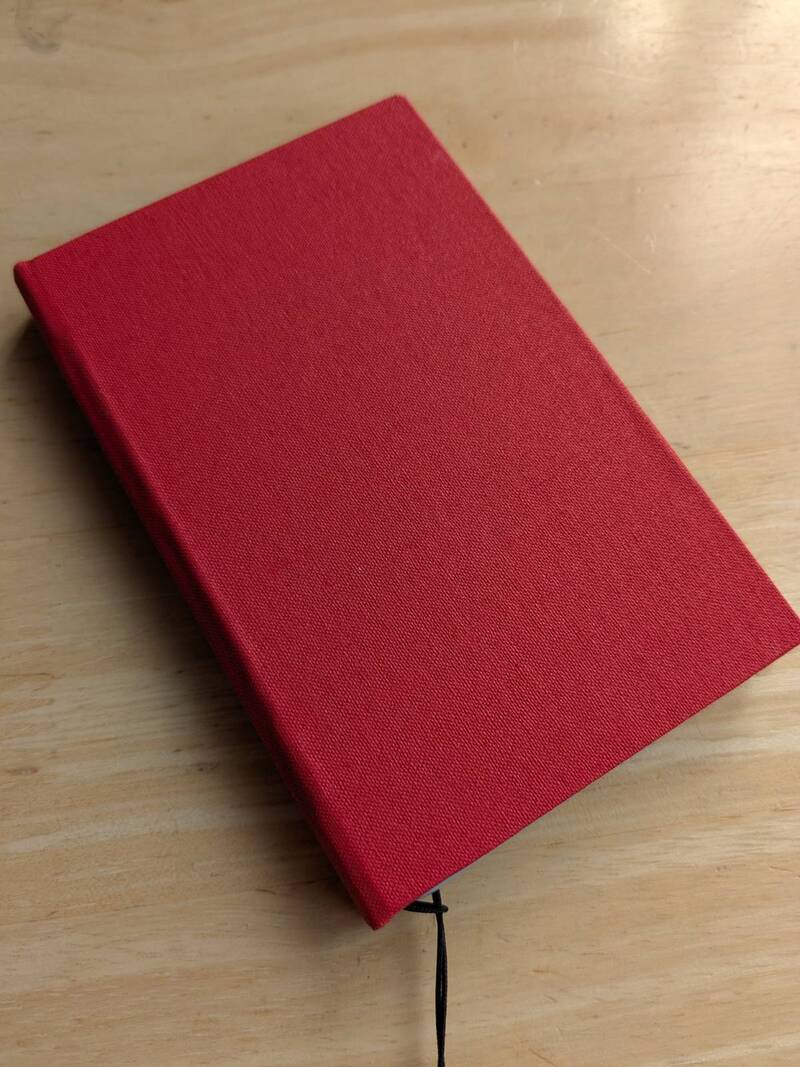 Photo: My home-made case looks and feels like an old hardback book when closed. I like the old tech and new tech combination.
Various other people have reviewed it - two blog posts I recently read were:
- Concretedog XTEInk X4 with Open Source Firmware
- Neil's blog - Initial thoughts on the tiny XTEINK X4 ereader.
…and they probably write a better review than I could.
Learning to make a case
The device does feel a little fragile to knock about in my bag so I looked online for cases. The "Book-style case for the XTEINK X4" by user 'goodhazel' on makerworld caught my eye.
Fortunately someone in the Hacklab enjoys book binding and very kindly helped me create the book case (and gave me the red book cloth I used). Thank you for teaching me and it was fun to work together on the project!
I printed the design using PETG material on the Prusa Mk4 3D printer in the Edinburgh Hacklab. This didn't work first time; I had to select the '0.20mm structural' preset in the Prusa Slicer otherwise it printed too quickly and some parts of the material didn't adhere.
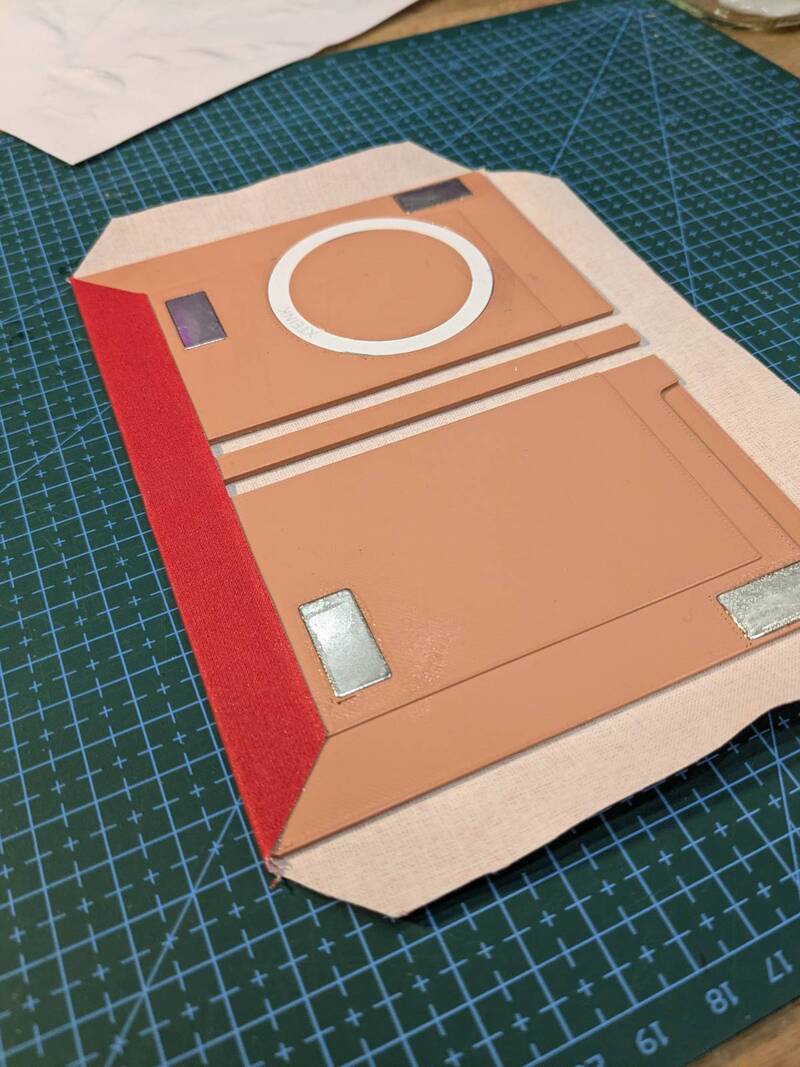
A metal ring magnetically holds the device to the case and four magnets help the case snap shut and keep it closed. We used two-part epoxy to hold these to the PETG plastic.
The book cloth was attached using PVA glue; the smell of this brought back pleasant memories of craft sessions in primary school. I slightly messed up one corner - this upsets the perfectionist in me, but at the same time I suspect nobody else notices it. I must remind myself this was my first time book binding, so I shouldn't expect perfection.
I wasn't sure how to cover the inside. I experimented with brushed cotton and polyester felt but neither felt right (I just realised I inadventently made a pun - ba-boom-tish). Edinburgh Fabrics had some 30% wool, 70% viscose felt and I thought the blue colour might complement the red of the outside.
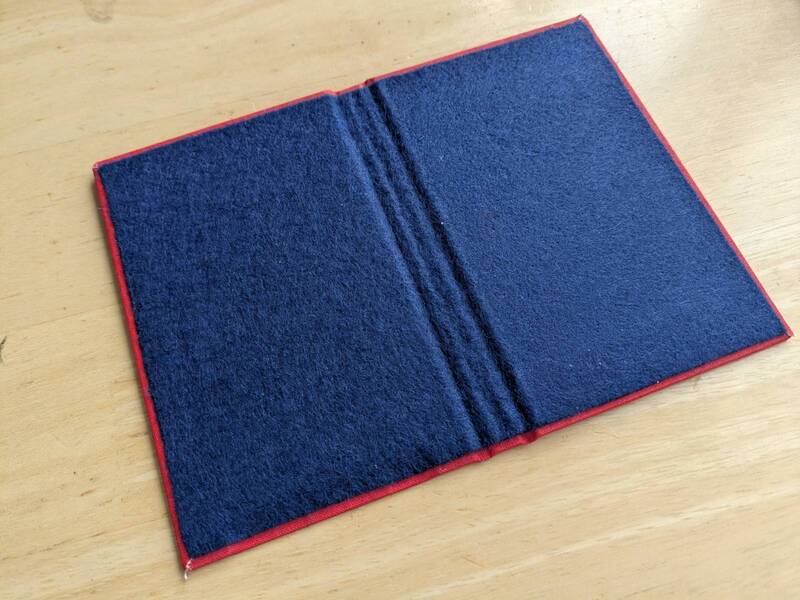 Photo: The completed case
I glued the felt with more PVA glue, tucking in the loose fibres under the glue with a cocktail stick. There's a tiny bit of loose book cloth in the picture, but if I cut it off things should be fine.
It was very satisfying to craft something
I'm really pleased with how it came out. I don't think it is perfect; the device can slide around a little bit and maybe the felt is too thick for the magnet. Adding sides might provide a bit more protection. But this was my first attempt and I really love how it feels in the hand - the hard case combined with the soft felt.
More book binding!
I've been enjoying the YouTube videos of bitter melon bindery - they're really calming to watch. I tried the technique in her How I make bookcloth fom any fabric, using "Bondaweb" that I got from Edinburgh fabrics to attach fabric to tissue paper. It worked well, so I can make designs with more elaborate patterns. I was inspired to order her book and try out some of the projects in it. I'll have to wait for it to be delivered however.
I think it would be fun to print out my blog and bind it, and to make some albums with photos in. I like the idea of bridging the digital and physical worlds.
Of course, that means I go down the rabbit hole of typography and page layout - typst looks like an interesting tool which might be nicer to use than TeX, but there is lots to learn. But learning is fun!
I'd like to go the other way too, learning about what epub file format provides and what could be done with ereaders. Maybe it would be fun to use the hyperlinks to make a modern electronic choose your own adventure book or something with twine.
I know Calibre allows converting RSS feeds, so it might be nice to think about how this could allow distraction-free news and blog reading, with deliveries over WiFi.
Other uses for the X4 - Distraction free writing
The microslate firmware looks interesting although I haven't tried it - "A dedicated writing firmware for the Xteink X4 e-paper device. Pairs with any Bluetooth LE (BLE) keyboard and saves notes to MicroSD."